Western HospitalsOverseas Family Care
See exactly how it works
A screenshot-by-screenshot walkthrough of every feature, for each role, on the web and mobile apps — so you know what to expect before you even sign in.
How anyone signs in and gets help — the same first step for every role.
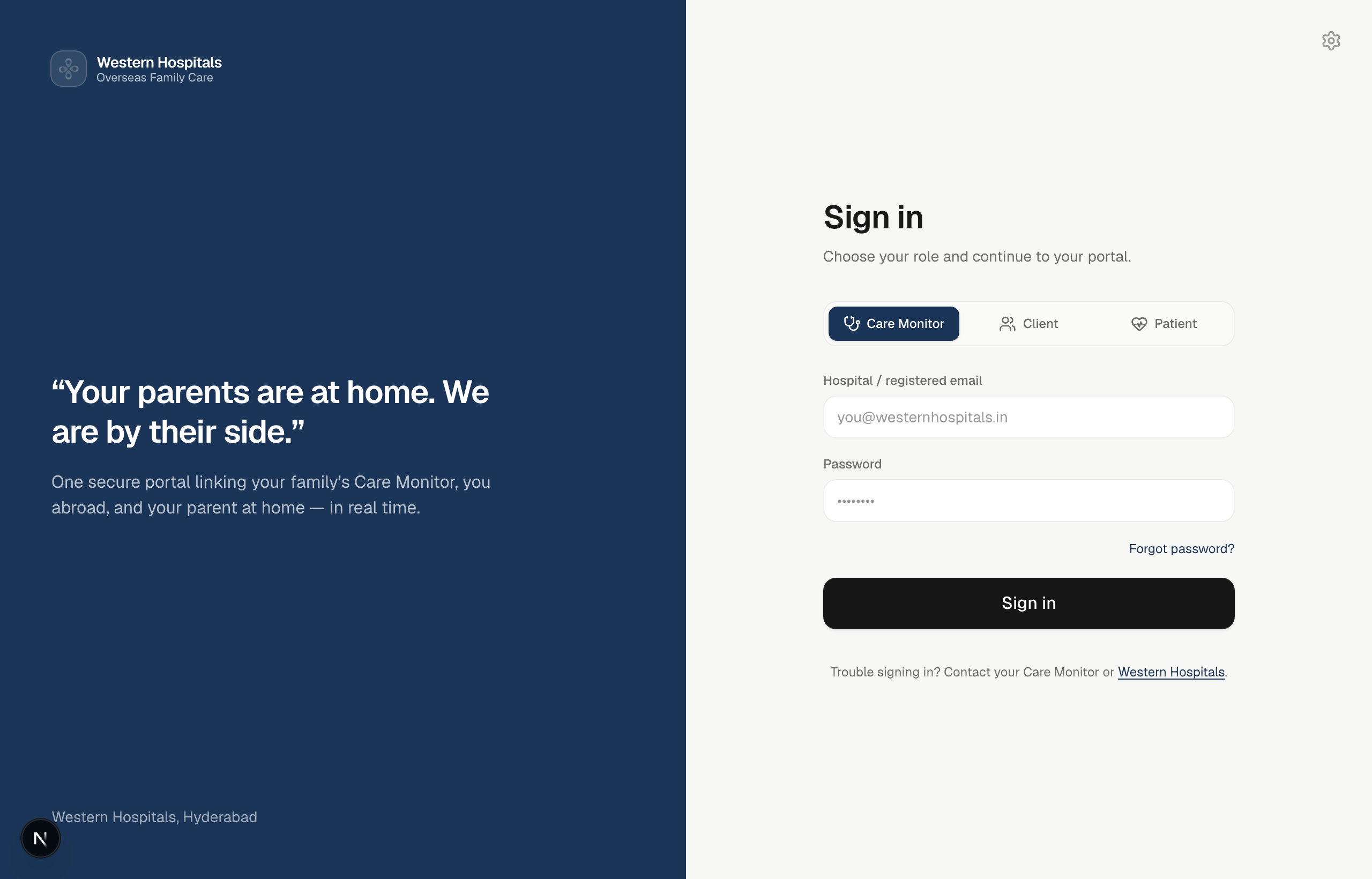
Choose your role and sign in
Pick your role — Care Monitor, Client or Patient. Staff and family use email + password; patients get a one-time code by email. Admins sign in on the web.
Stay informed the moment anything happens
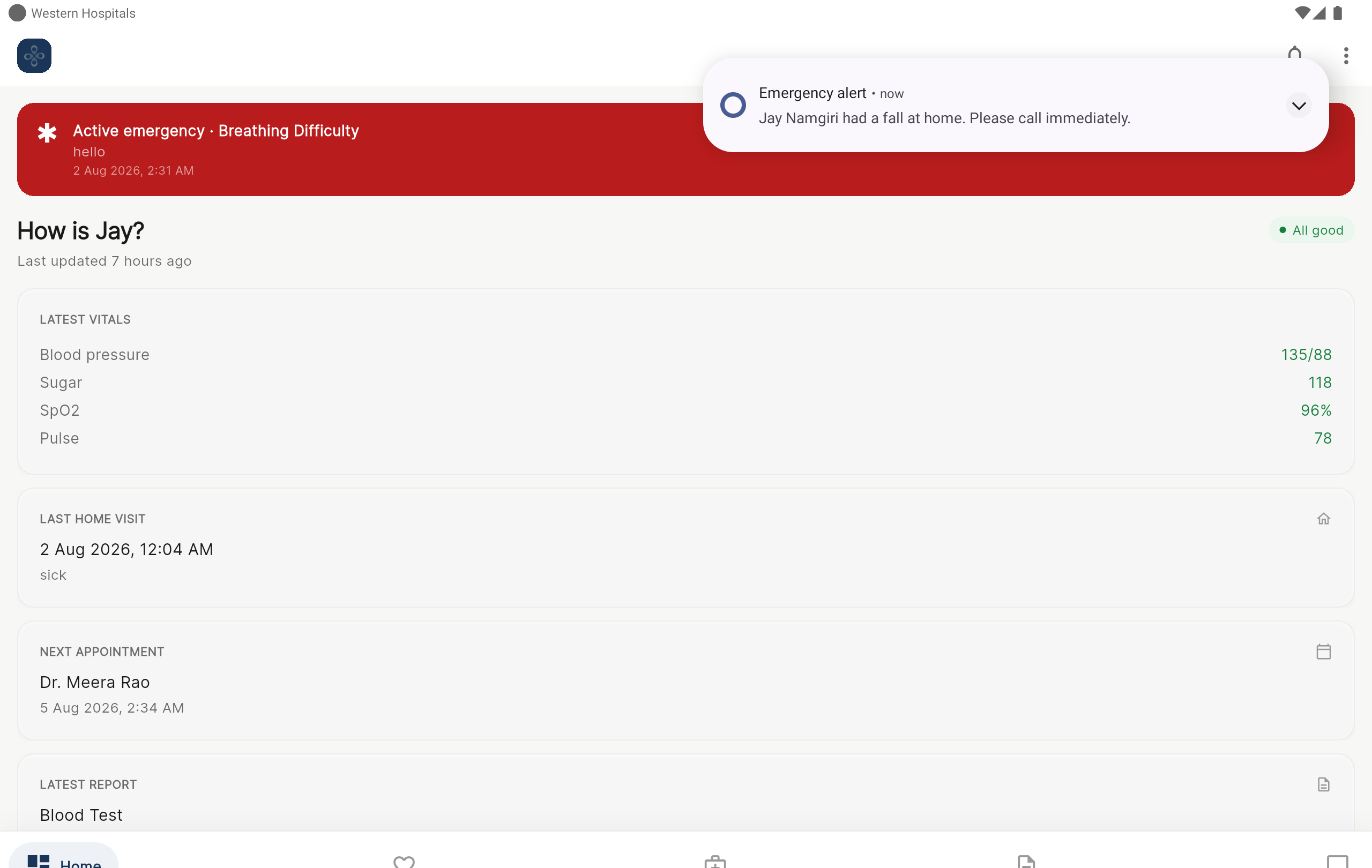
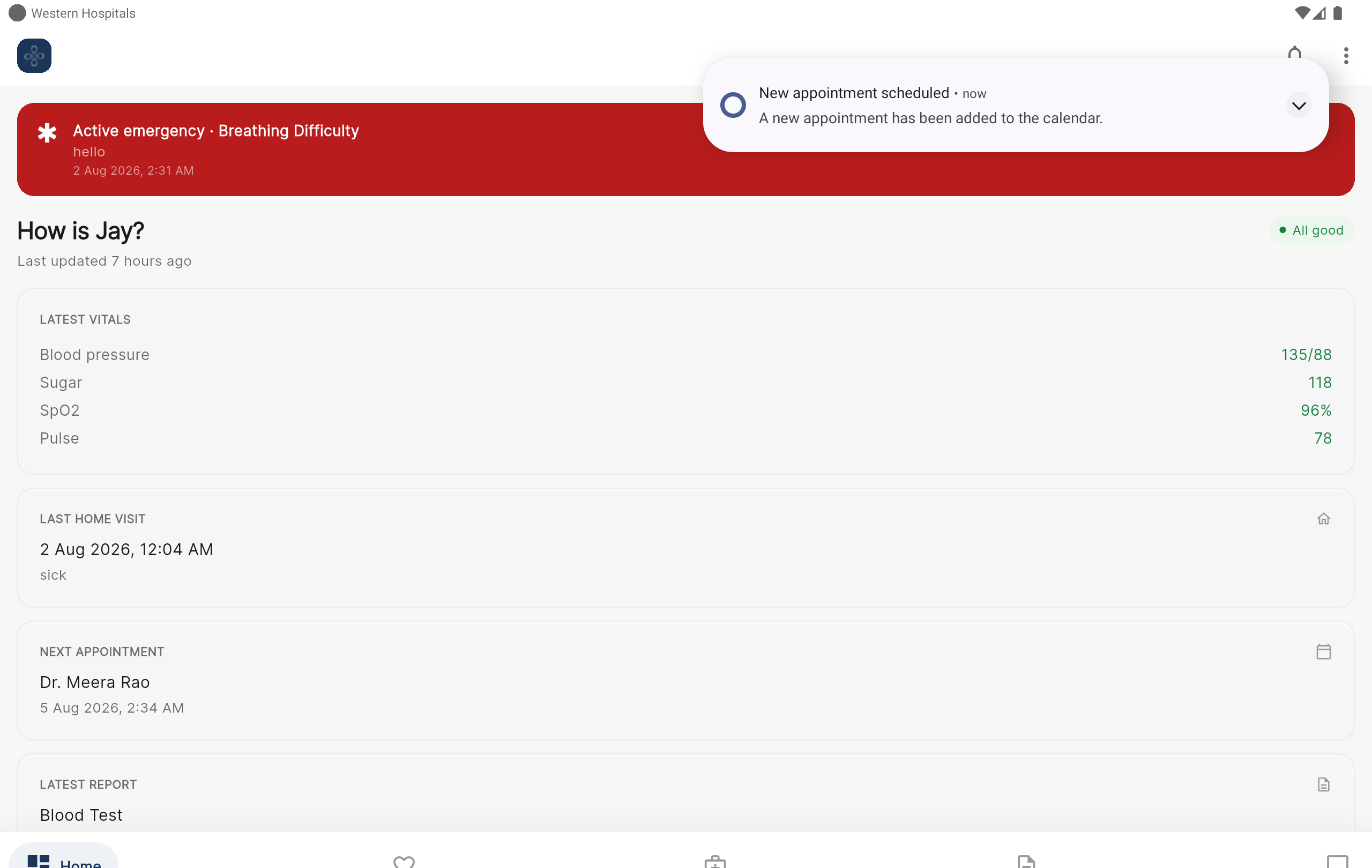
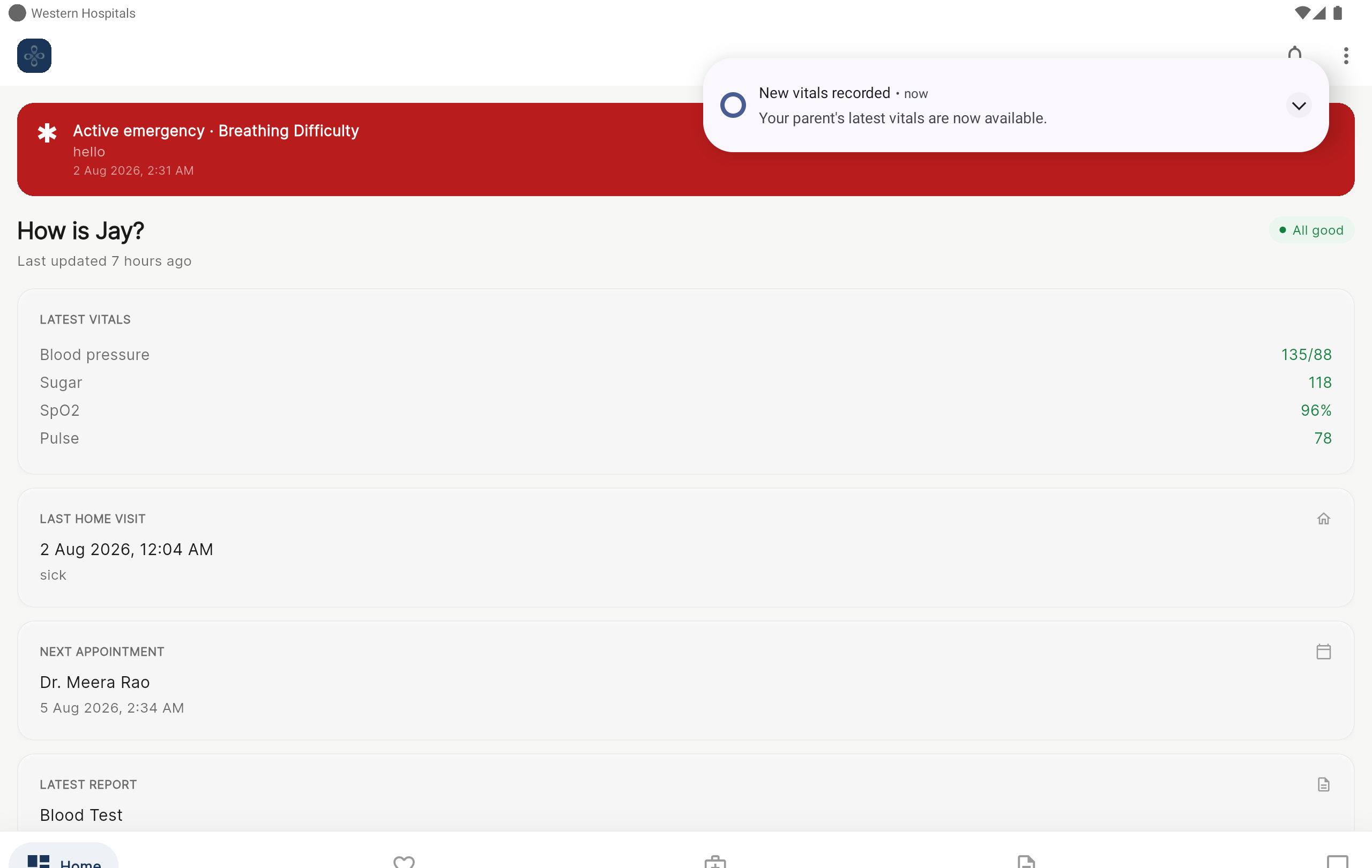
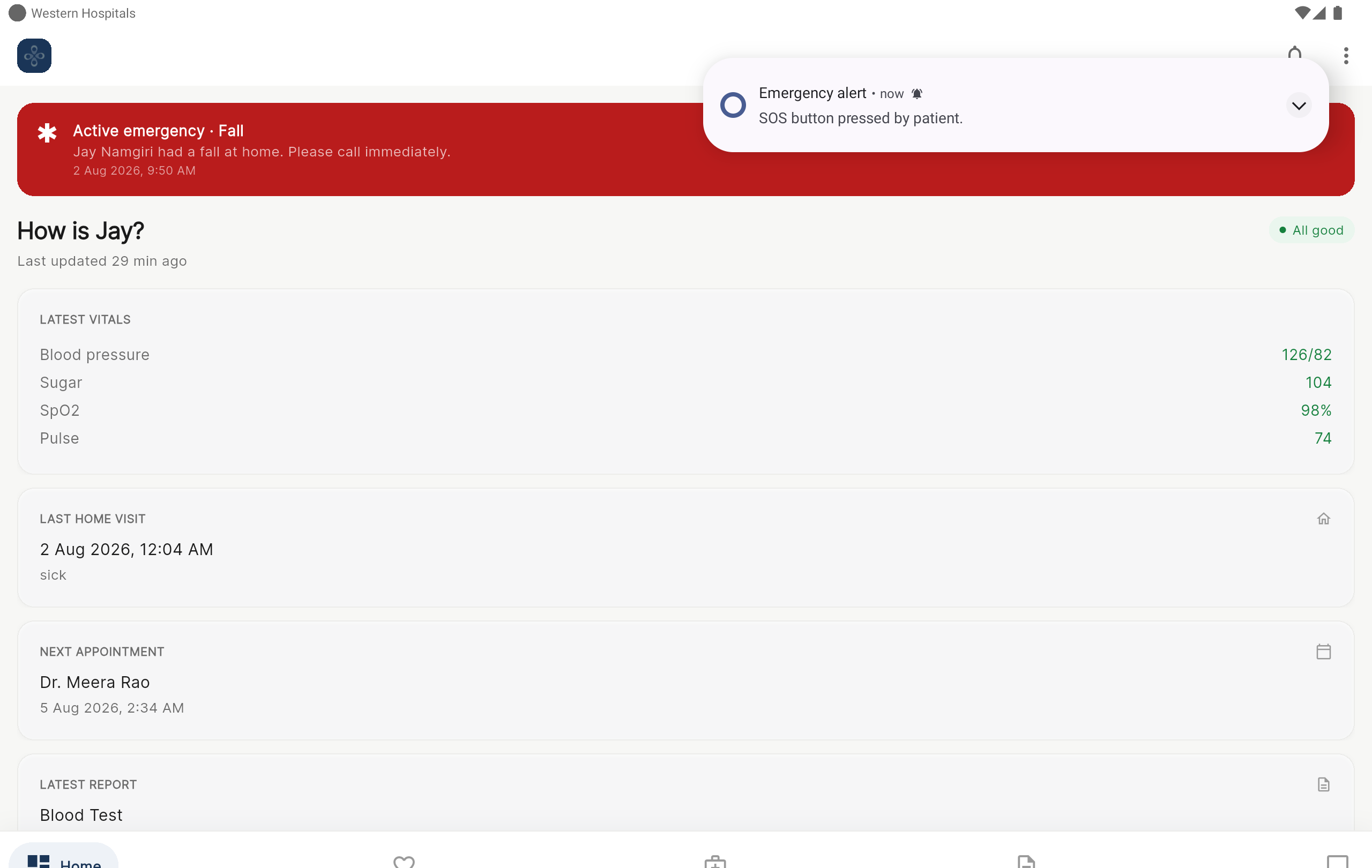
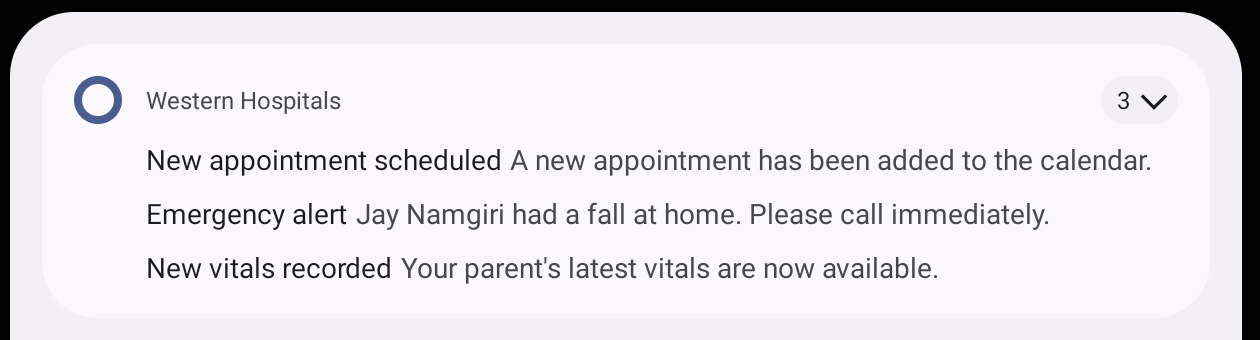
Every time the Care Monitor logs vitals, uploads a report, books an appointment, or raises an emergency, the family is notified straight away — on their phone, by email, and in the app. Nothing waits for you to check.
Push to your phone
The instant something is logged, a push lands on the Client's and Patient's phones — even when the app is closed or the phone is locked. Emergencies arrive as high-priority alerts.
Email to your inbox
The same alerts arrive as a branded Western Hospitals email, so nothing is missed if your phone is away — with a direct link back into your portal.
In-app notification inbox
A notification bell keeps the full history inside the app, so you can catch up any time and never lose an update.
What sends an alert — and who receives it
- Emergency raisedHigh priority
Notifies: Client + Care Monitor
PushEmailWhatsAppIn-app - New vitals recorded
Notifies: Client
PushEmailIn-app - New report uploaded
Notifies: Client
PushEmailWhatsAppIn-app - Appointment scheduled
Notifies: Client + Patient
PushEmailWhatsAppIn-app - Home visit completed
Notifies: Client
PushWhatsAppIn-app - Weekly update sent
Notifies: Client
PushEmailWhatsAppIn-app - Medicine reminder / missed dose
Notifies: Patient
PushIn-app - New message
Notifies: The other people in the chat
PushEmailIn-app
Timely reminders, too. Beyond live alerts, the platform sends scheduled reminders — an upcoming-appointment reminder ahead of the visit, and medicine reminders when a dose is due — so care stays on track without anyone having to remember.
See it land — on the family's device
These are real screenshots. The Care Monitor logged each entry on their phone, and the Client's tablet received the alert instantly — appearing right over the app, and again with the phone locked.